

Your clients keep it simple. You get the proper tools.
A separate professional Accountant Workspace over the same records your client creates — your own login, owner-granted access, and a full audit history.
Request an accountant demo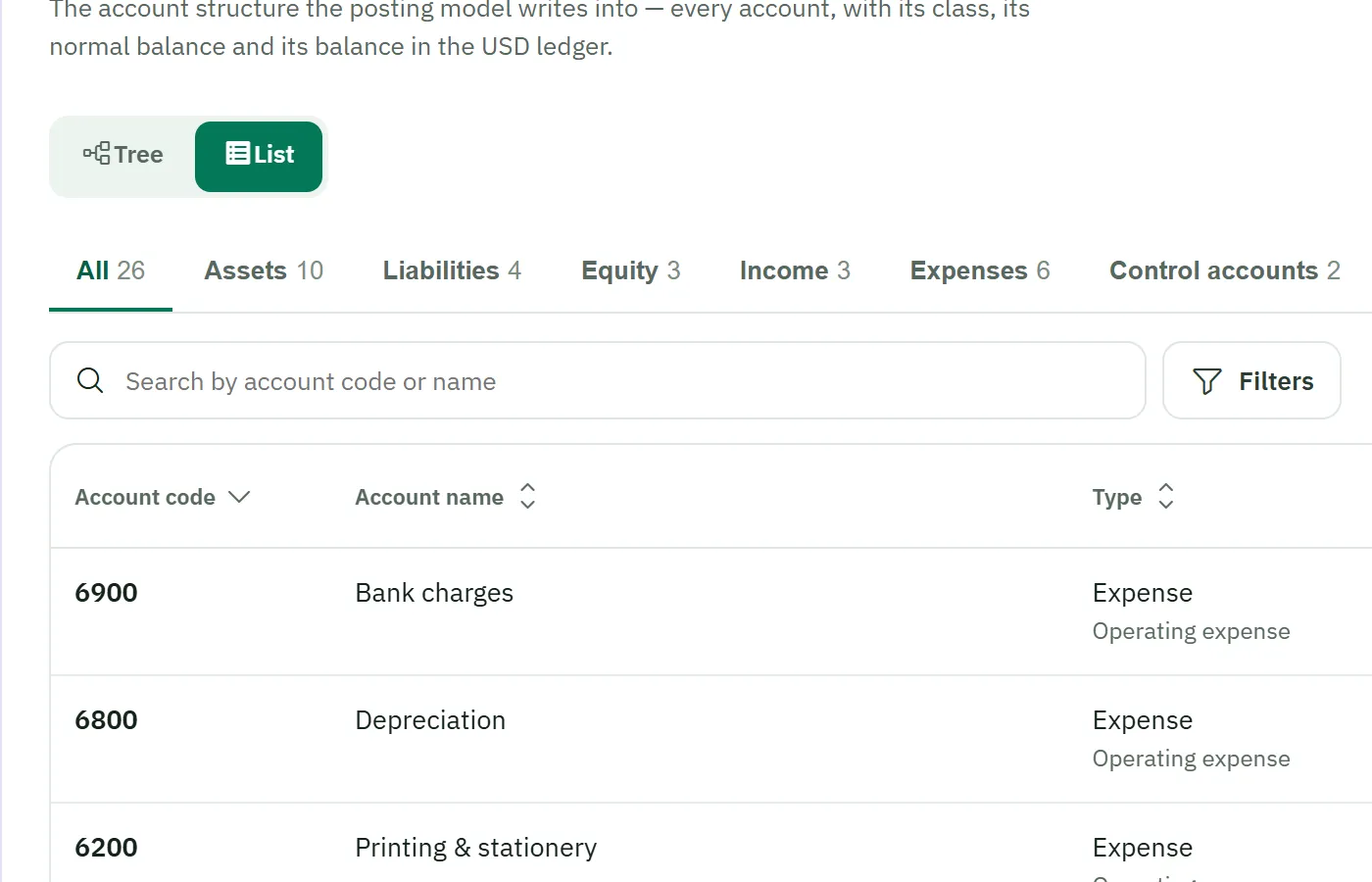
The workspace speaks your language — the owner never has to.
Zero-start access, granted by the owner
Your own account
You sign in with your own credentials — never the owner's. Your work is yours, and attributable.
Read-only at zero
Access starts read-only at zero capability until the owner grants what you need — and grants can be revoked.
Everything audited
Your access and actions are recorded in the append-only audit trail, alongside everyone else's.
What you can do today — boundaries included
We state each capability's scope precisely. You'll know exactly what the workspace does — and doesn't — before your first session.
| Capability | What it means | Scope note |
|---|---|---|
| One source of truth | You work from the invoices, payments and expenses the business entered — nothing re-entered, nothing emailed back and forth. | Same records, separate workspace |
| Chart of accounts | Review and maintain the chart behind the client's plain-language workspace. | Review & maintain |
| Accounting periods | Review periods; locks are enforced in the accounting engine itself, not just in the screen. | Review; engine-enforced locks |
| Opening balances | Prepare and validate opening balances through a controlled cutover process, per currency. | Preparation scope |
| Financial reporting | Reporting designed to refuse unsupported results rather than present figures that cannot be evidenced. | Fail-closed by design |
| Audit history | An append-only record of who did what — entries cannot be edited or deleted through normal application operations. | Application control |
| Governed permissions | Deny-by-default capabilities; no super-administrator role inside the application. | Deny-by-default |
| Accounting settings | Accounting configuration lives away from the owner's day-to-day workspace. | Separated by design |
Same truth, two registers — that's the design
- Accounting terminology lives here, not in the owner's screens
- Per-currency ledgers — USD and LBP never blended
- Western digits and identical amounts in both languages
- When your engagement ends, the owner revokes the grant — your audit history remains

Reviewing the same records — example scenario.
Controls that live in the engine, not the brochure
Finalized means finalized
Finalized documents are protected from silent modification through normal application operations; corrections use visible, linked reversals.
Sessions checked every request
Server-side sessions are checked on every request — revocation takes effect on the next request. Passwords are stored as strong one-way hashes.
No hidden hands
The application deliberately has no super-administrator role; day-to-day control over business data and access rests with its owner.
On the professional roadmap
Manual journal entries and year-end close are planned additions to the Accountant Workspace. We name them because you'll ask — and we won't market them as available until they are.
Accountants ask us
Do I use my client's login?
Never. You sign in with your own account. The owner grants your access — starting from zero — and every action is attributed to you in the audit history.
Will my client's "simple" data be usable for real accounting?
Yes — that's the core design. The owner's plain-language actions are recorded as proper double-entry behind the scenes. You work with the real books; they never see the jargon.
How are USD and LBP handled in the ledgers?
As separate first-class ledgers. Balances stay separate per currency, and the product does not silently mix or convert them — no fabricated combined totals, ever.
What happens when my engagement ends?
The owner revokes the grant. Revocation takes effect on the next request, and the audit history of your work remains — append-only, as always.
See the workspace on a real (example) business
Request an accountant demonstration — chart of accounts, periods, opening-balance preparation and reporting, in English or Arabic.