

Plain language up front.
Proper accounting underneath.
Every screen below comes from the working product, with example data — including what's still pilot or planned, clearly labelled.
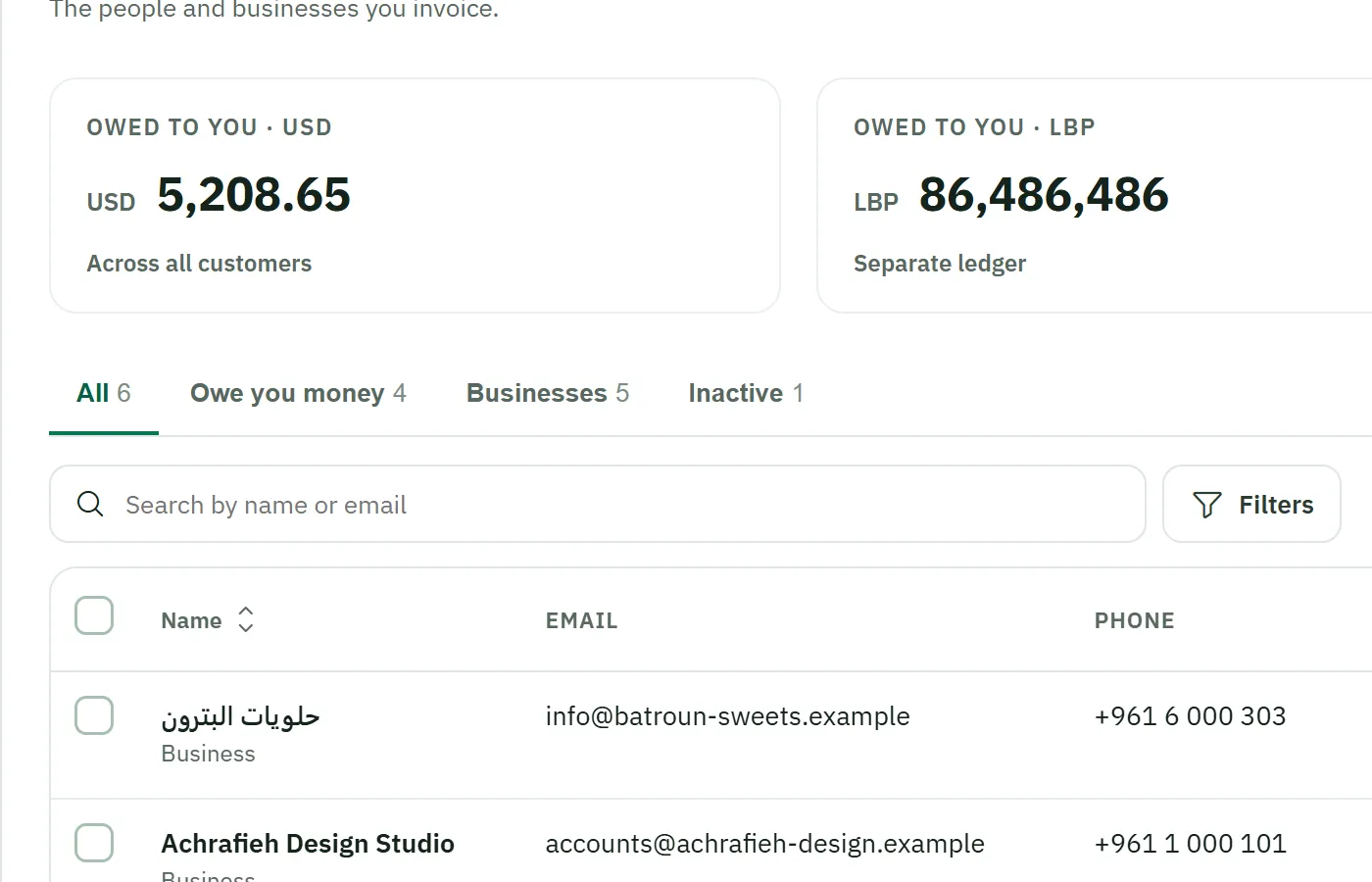
Customers — everyone you invoice, in one tidy list
Names, contacts, and exactly what each customer still owes — with USD and LBP totals kept apart, always.
- Individuals and businesses, active or archived
- Owed-to-you totals per currency, per customer
- Their full document history in one place
Products & services — what you sell, priced once
Set up the things you sell and reuse them on quotes and invoices without retyping.
- Your own names and prices, per item
- Price in USD or LBP
- Consistent line items on every document
Illustrative panel styled after the product — not a product screen. Example data.
Quotes — price the job before it starts
Send a professional quote; when the customer says yes, it becomes an invoice draft — no retyping, no copy-paste mistakes. Quotes never touch your books until they're invoiced.
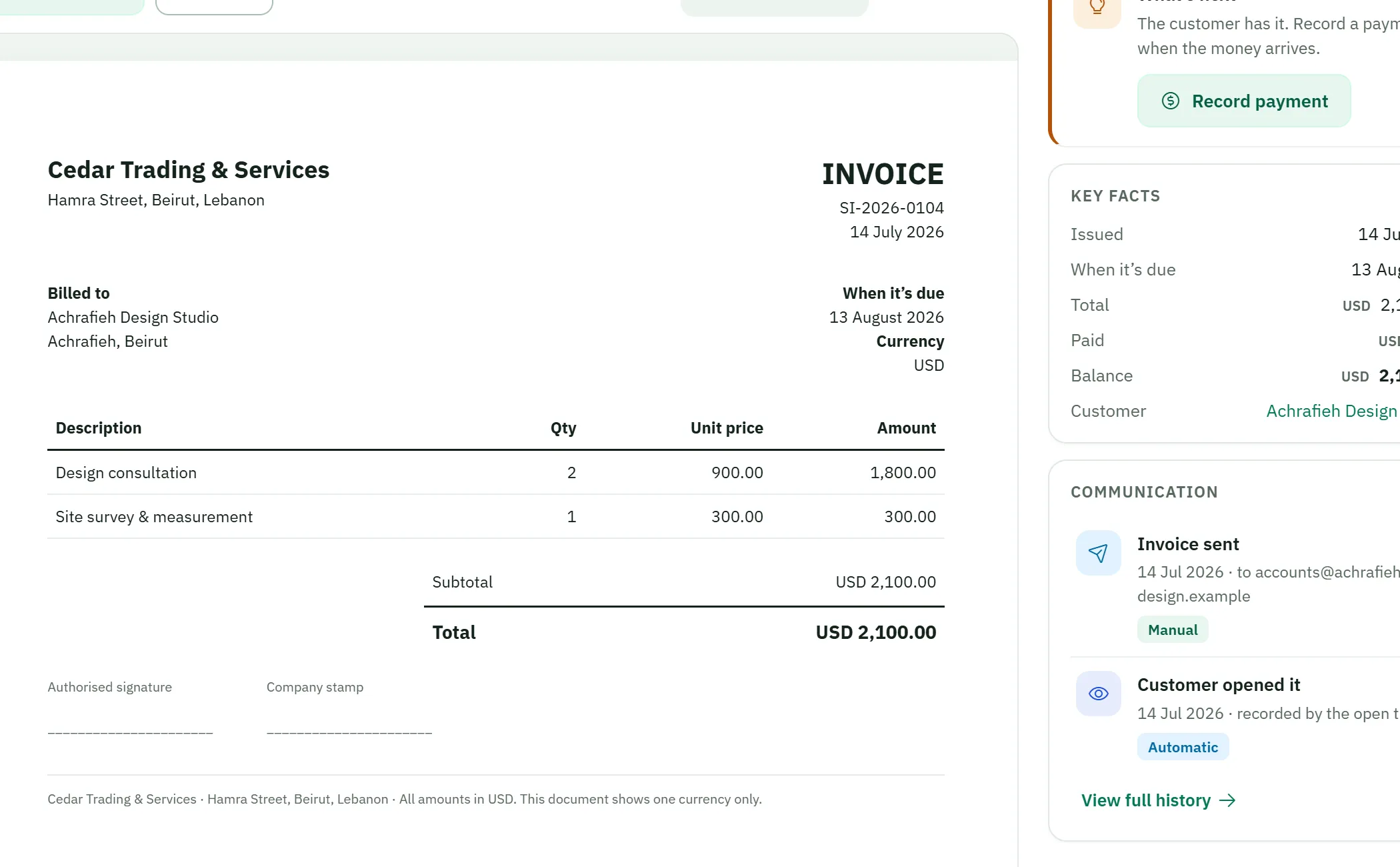
Shown: the shared document design (an invoice) — quotes use the same family.
Invoices — professional, bilingual, unmistakably yours
Draft it, check it, finalize it. Your customer gets a document they can read — with your logo, your details, and clean totals per currency. Corrections are visible, linked reversals.
Credit & debit notes — corrections done properly
When something changes after the invoice, you don't scribble over history — you issue the right document, linked to the original.
- Credit notes for reductions and returns
- Debit notes for additions
- Always visible in the customer's history
Illustrative chain styled after the product — not a product screen. Example references.
Payments & receipts — record the money when it arrives
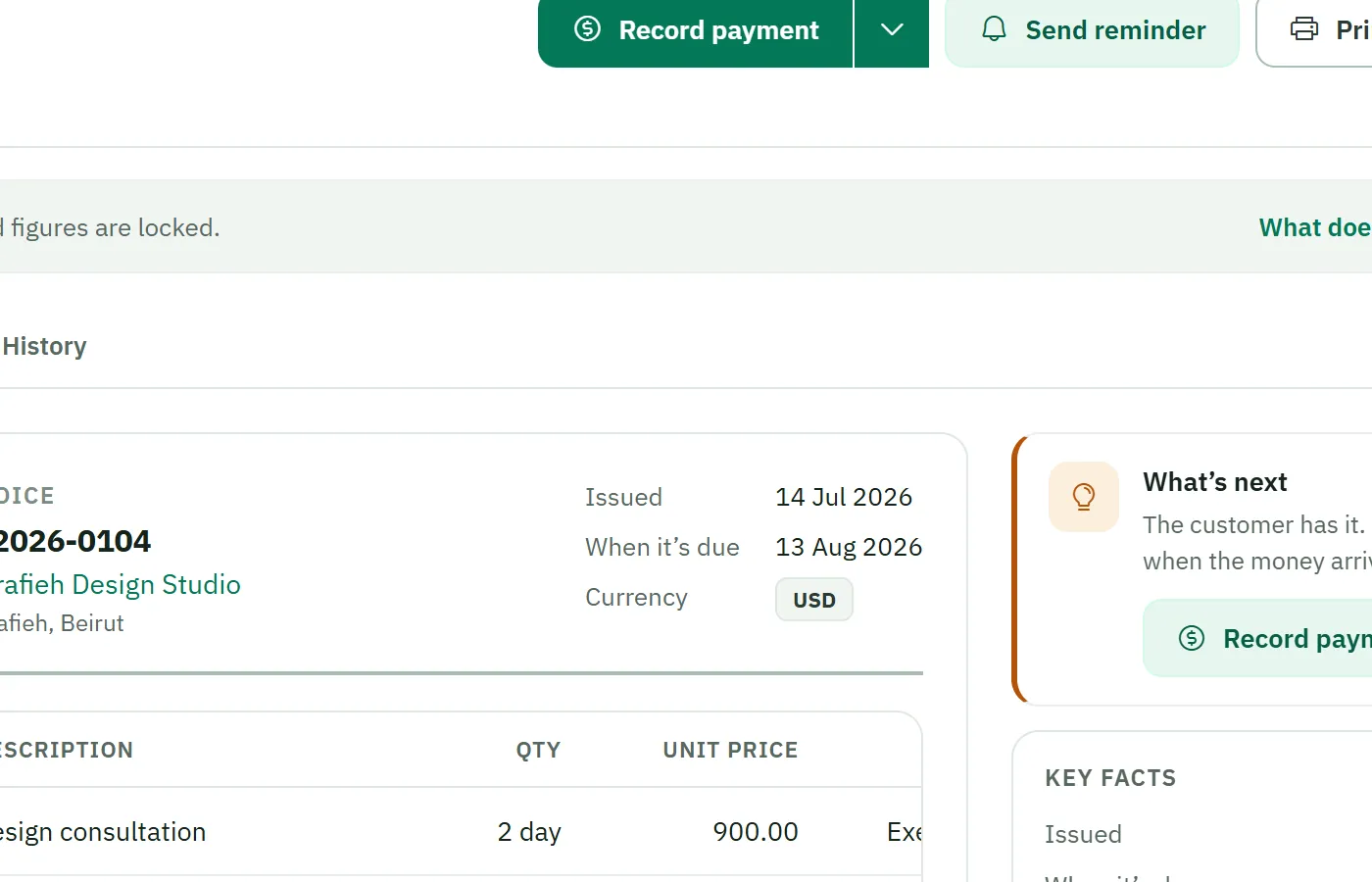
A customer pays; you record it against their invoice. The receipt documents it, and "who owes you" updates itself.
- Payments tied to the documents they settle
- Professional bilingual receipt documents
- Paid in USD stays USD; paid in LBP stays LBP
Customer refunds — money back, thread intact
Sometimes money goes back. Spiro365 records the refund properly — what was returned, to whom, from which payment.
- Refunds recorded against received payments
- Clear reference, amount and reason
- Visible in the audit history
Illustrative panel styled after the product — not a product screen. Example data.
Expenses — thirty seconds, then back to work
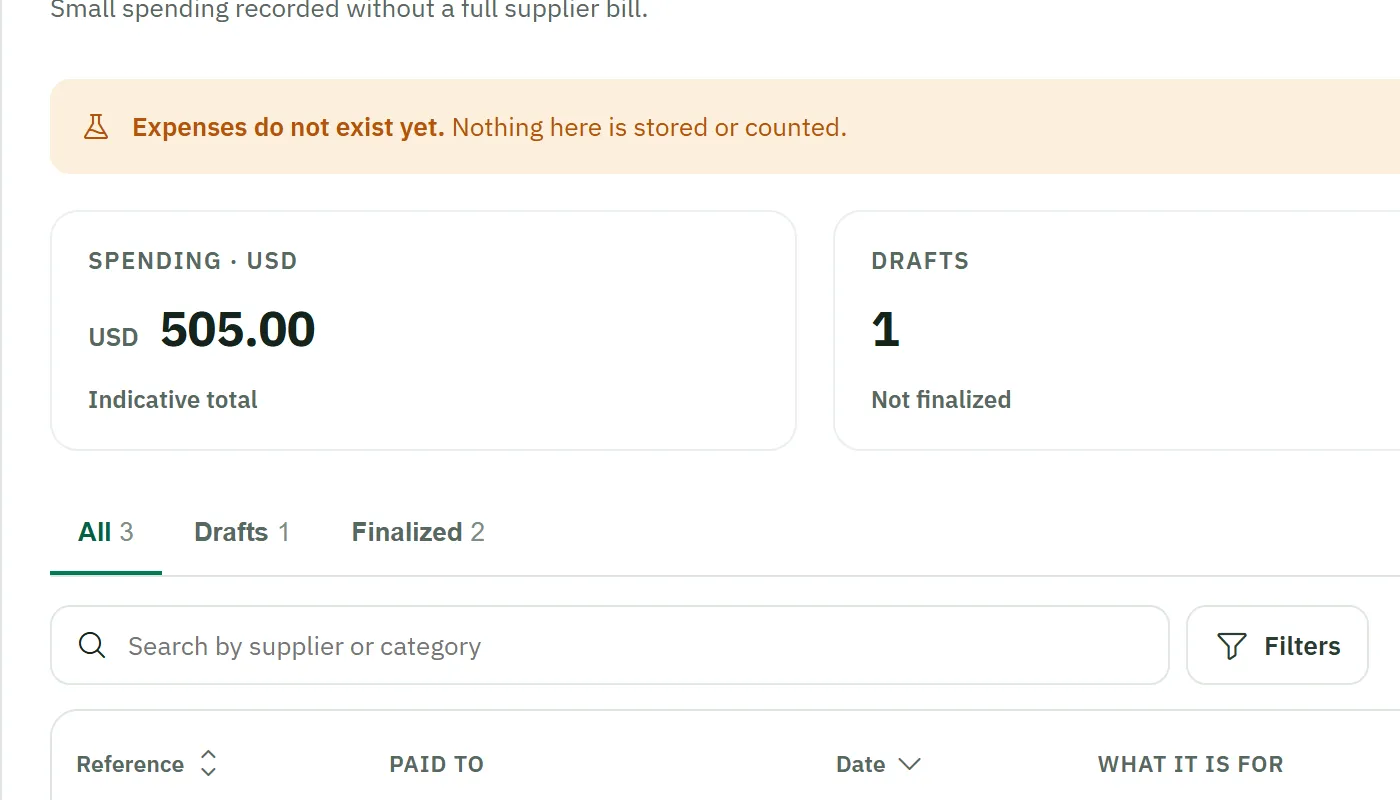
Fuel, supplies, the generator bill. Capture the expense with a category and an amount — in whichever currency you paid.
- Simple categories in your own words
- Finalized expenses are protected; corrections are visible reversals
- USD and LBP each counted in their own column
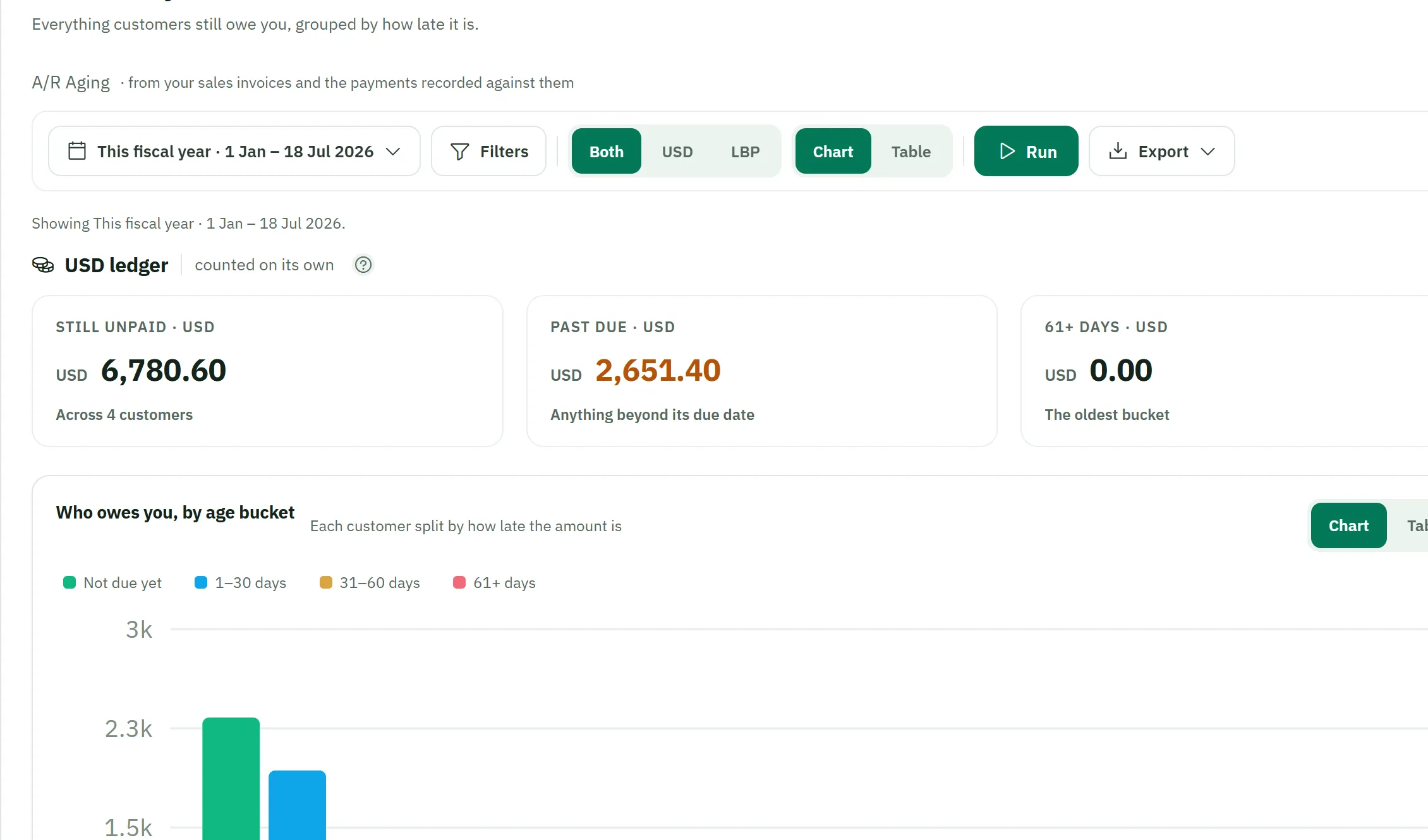
Who owes you — the question that pays the rent
Everything customers still owe, grouped by how late it is, straight from your invoices and the payments recorded against them — chart or table, and each currency counted on its own.
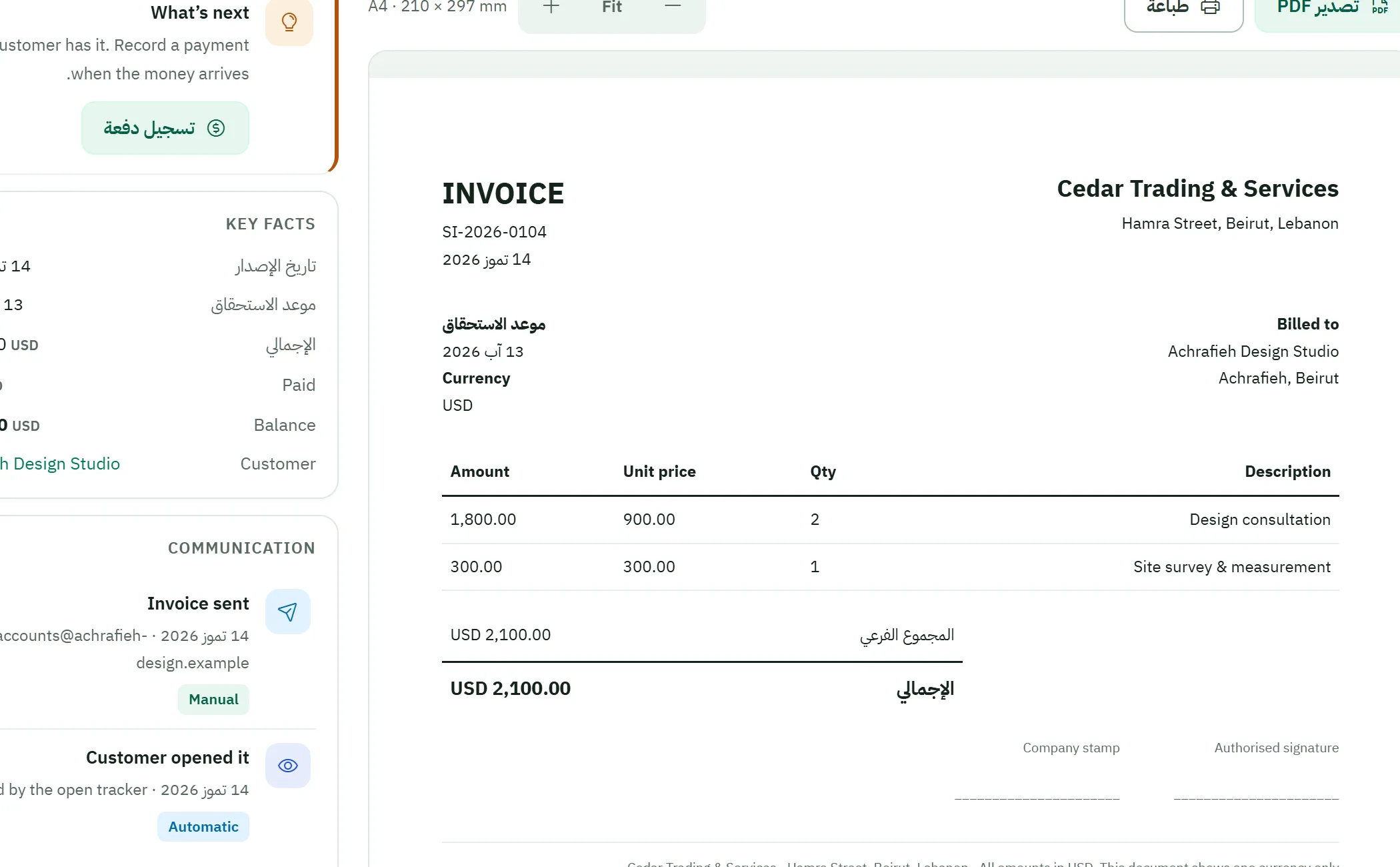
Bilingual documents — one page, two languages
Issue an invoice in Arabic for one customer and English for another — or both on one page. Figures use Western digits and are identical in every language.
Team & owner access — share the work, keep control
Invite the people who help you run the business, with permissions you control. Add a second owner when the business is truly shared.
- Owner-controlled permissions, deny-by-default
- A genuine second-owner path
- Every access change is audited
Illustrative panel styled after the product — not a product screen. Example data.
The Accountant Workspace — proper tools, same records
Your accountant works in a separate professional workspace over the very records you create — chart of accounts, periods, opening-balance preparation, reports.
The full accountant page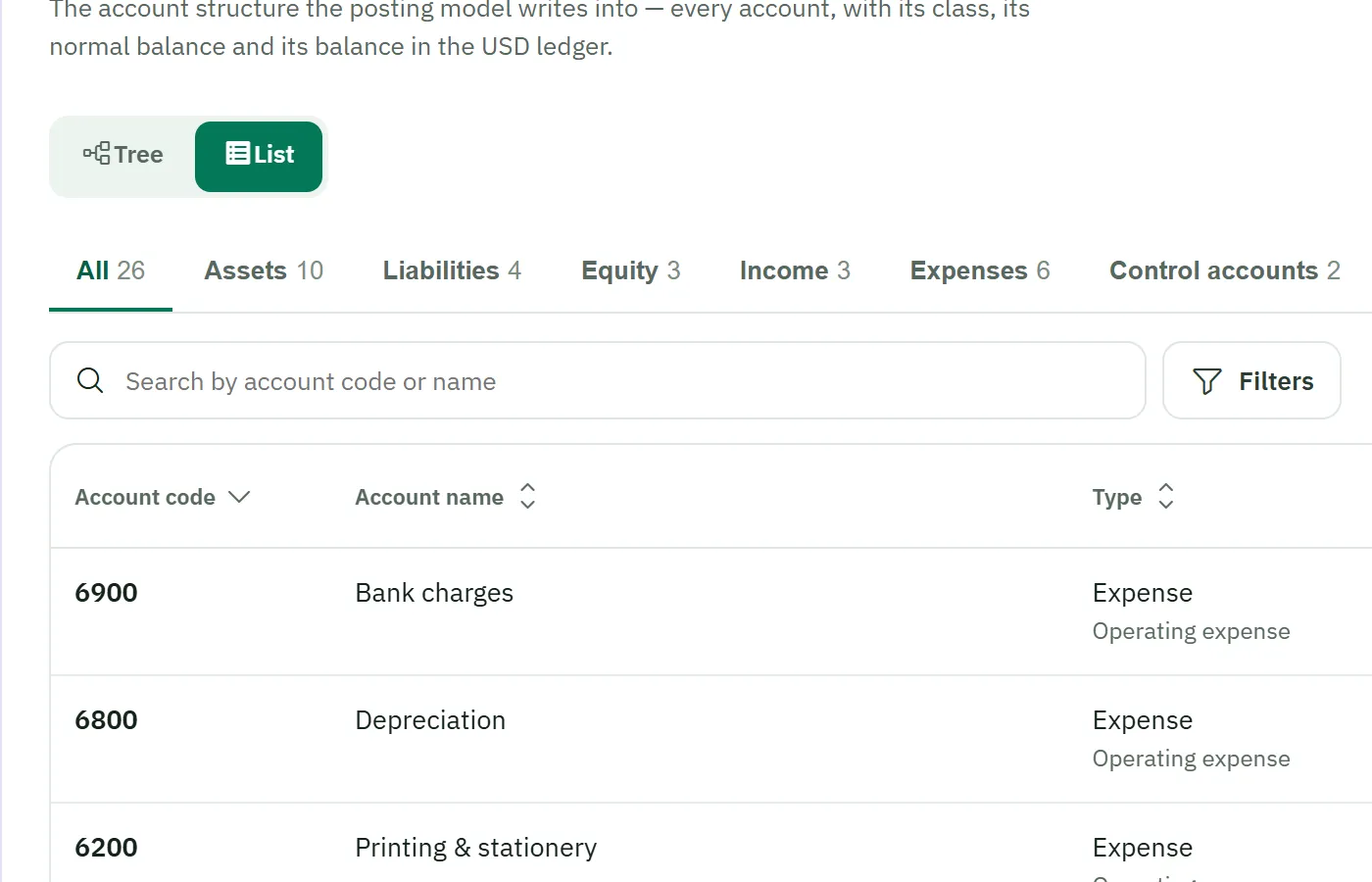
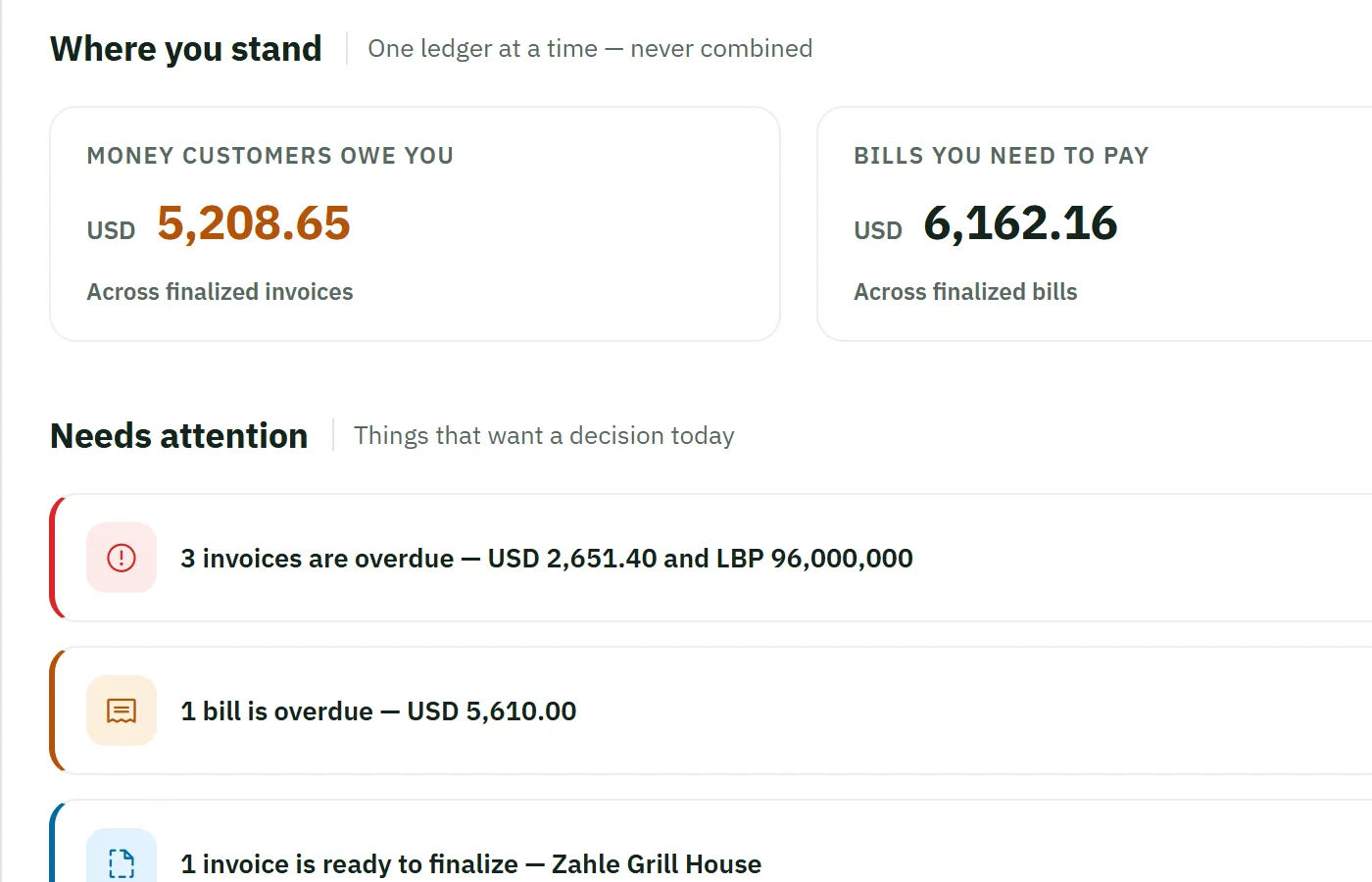
Reports & visibility — one source of truth
Your dashboard and reports draw on the same records as your documents — and they're designed to refuse unsupported results rather than present figures that cannot be evidenced.
- A business summary that reads like your day
- Who owes you, expense views, customer statements
- Per-currency totals everywhere
Still being completed — and we say so
Some capability areas are pilot or planned. We'd rather tell you exactly where things stand than let a brochure oversell you.
Purchases & suppliers
Supplier records, purchase invoices and supplier payments, with allocations. This capability area is still being completed — ask us to see its current state.
Statements & aged balances
Customer and supplier statements and aged balances.
Email delivery of documents
Built to send documents with bilingual default content.
Report PDF export · French interface
Selected reports as clean PDF documents; the interface architecture is being prepared for French.
Want the full walkthrough?
Request a demonstration and we'll go module by module, on your kind of business.